 klad
Animating frame by frame
Draw an animation one drawing at a time, check it against the drawing before, and play it. klad can draw the in-betweens for you.
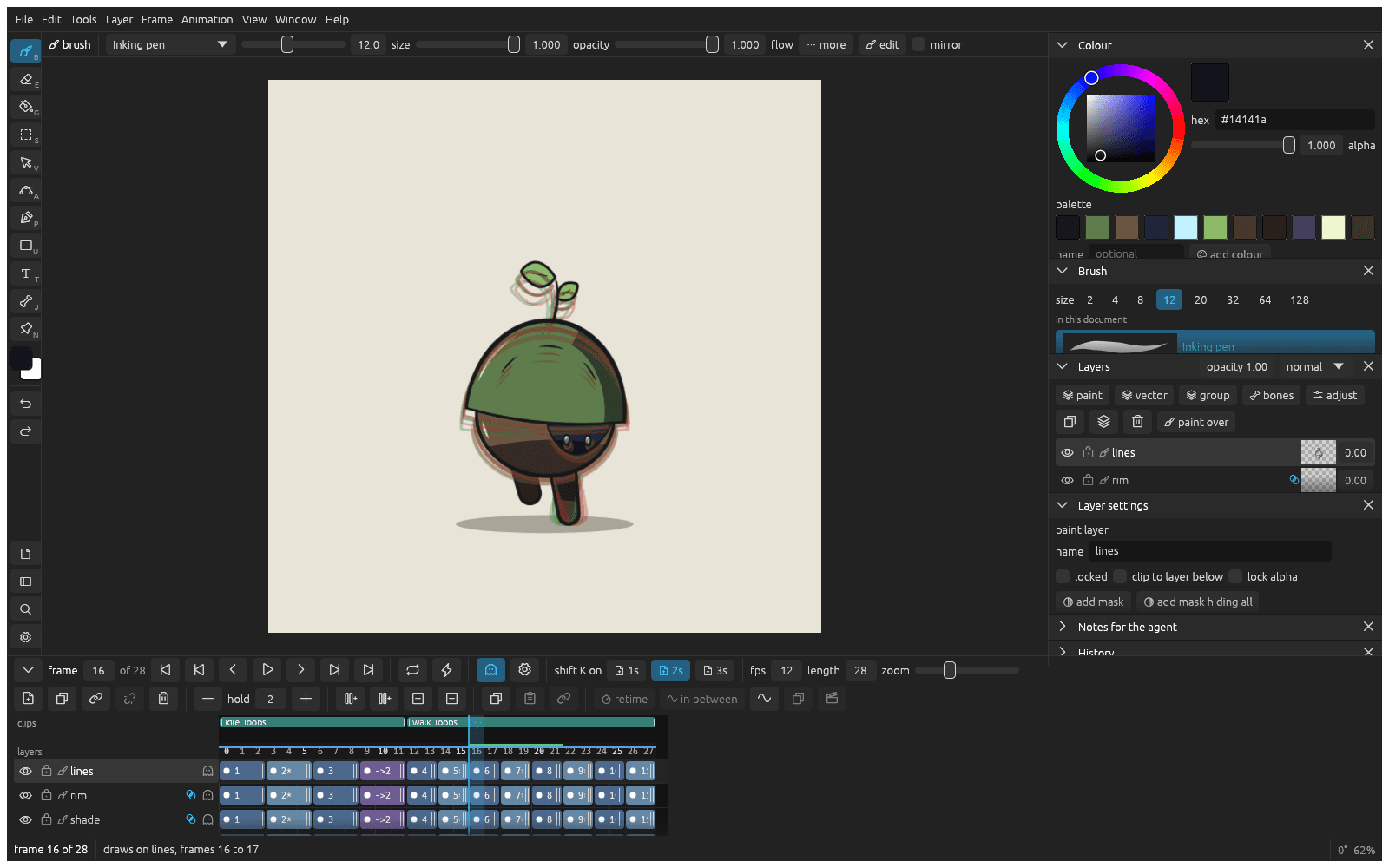
Draw the next frame
- Draw the first pose.
- Press shift K. You get a blank drawing on the next frame.
- Press O for onion skin: the drawing before shows in red under the one you're drawing.
- Draw the next pose, and repeat.
- Press Return to play, and again to stop.
To animate on twos, click 2s next to shift K on in the timeline header first.
Flip through your drawings
Press , and . to go a frame back and forward. Or hold Q and move the pen sideways to flip through the drawings like the corner of a stack of paper.
Change the timing
Press = to hold the drawing under the playhead a frame longer, and - to make it a frame shorter. Later drawings move along.
Start a pose from the last one
Right click the drawing's cell in the timeline and pick duplicate to the next frame, then change the copy into the next pose.
Make clips for a game
Drag along the empty strip above the frame numbers to make a clip, then click its bar to name it (idle, walk, attack). Each clip exports as its own animation.
Let klad draw the in-betweens
- Draw two keys with empty frames between them, and name the parts of both.
- Click the first key's cell and shift click the second one's.
- Click in-between in the selection bar.
- Choose how many drawings to make and how they're spaced, and click make the in-betweens.
After you change a key, select the range again and click redo the in-betweens in the selection.
From docs/guide/animating.md in klad at main (0491491).