A full painting and animation app
Read the guidesBrushes, layers, a timeline, bones and an export to Godot: you can make a whole animated character in klad by hand. On a Mac the pen's pressure and tilt shape every stroke, Windows gets pressure, and Linux the mouse for now.
Posters, covers and cards
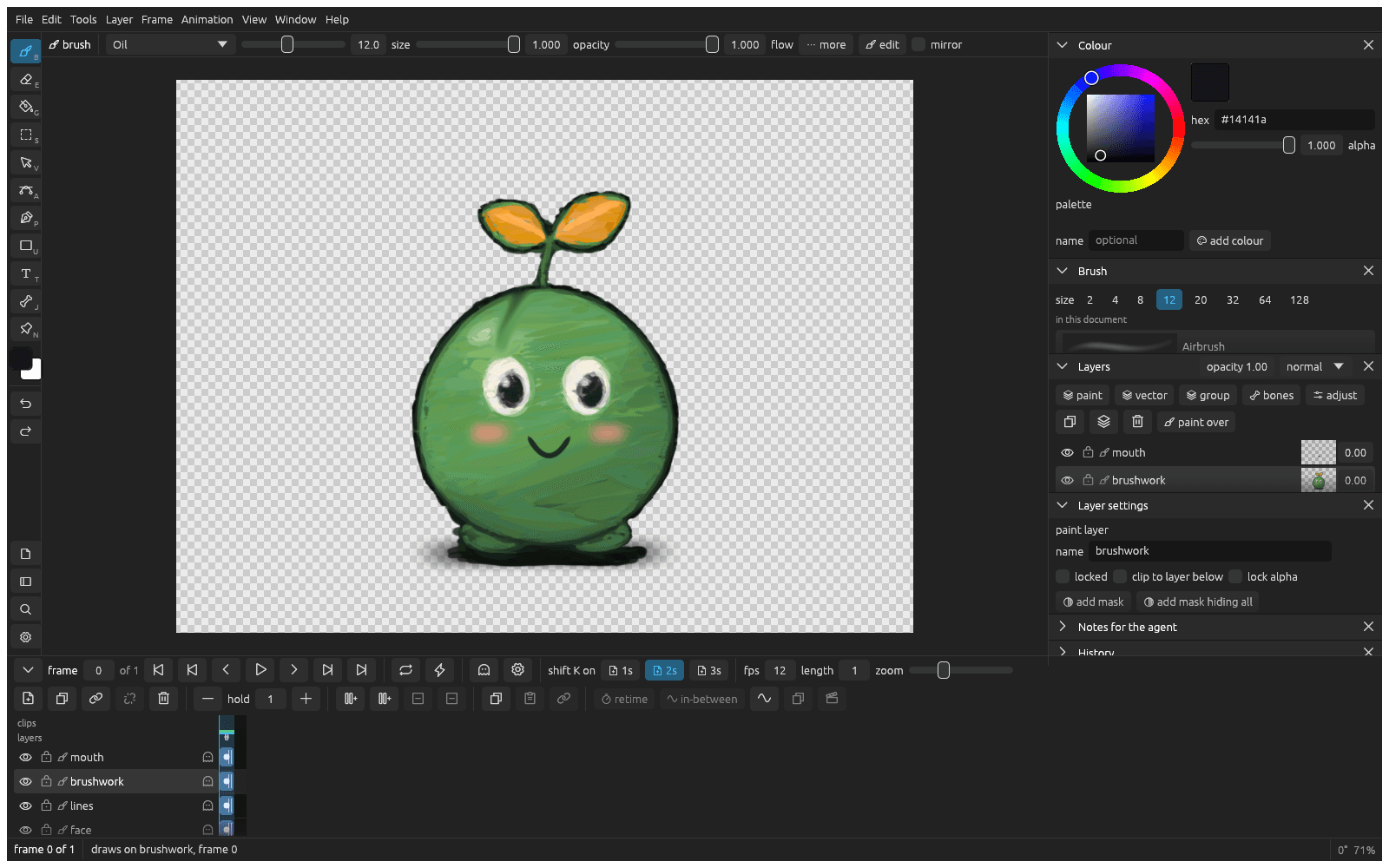
Illustration takes the same brushes as game art, with shapes, gradients and real type beside them. This poster for a padel club night that doesn't exist was made in klad by an agent: big type, a night scene built from flat shapes, gradients, glows and print grain, and every word real text you can still retype, in any font you want.
$ klad export poster.klad --scale 2 -o padel-nights.png
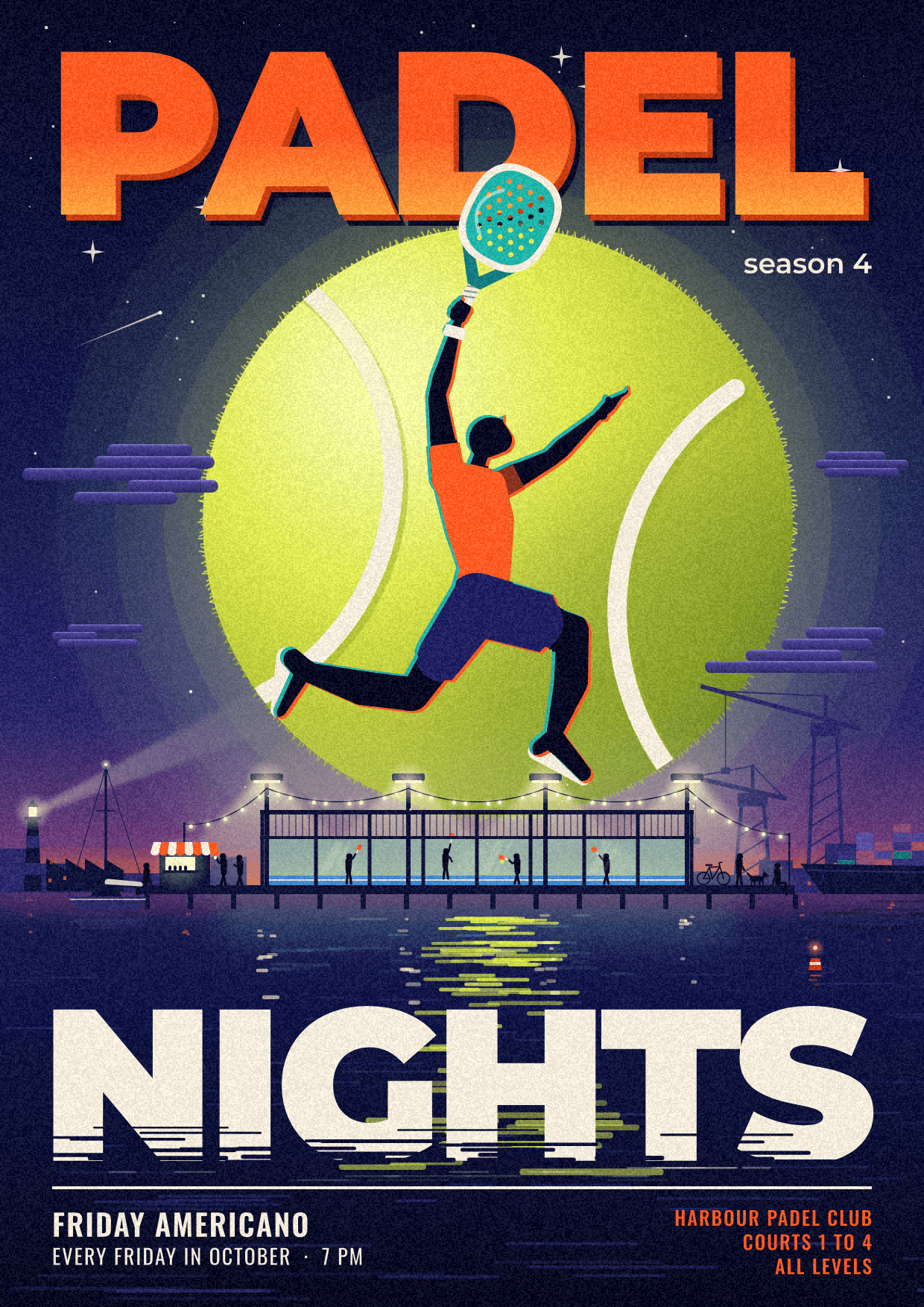
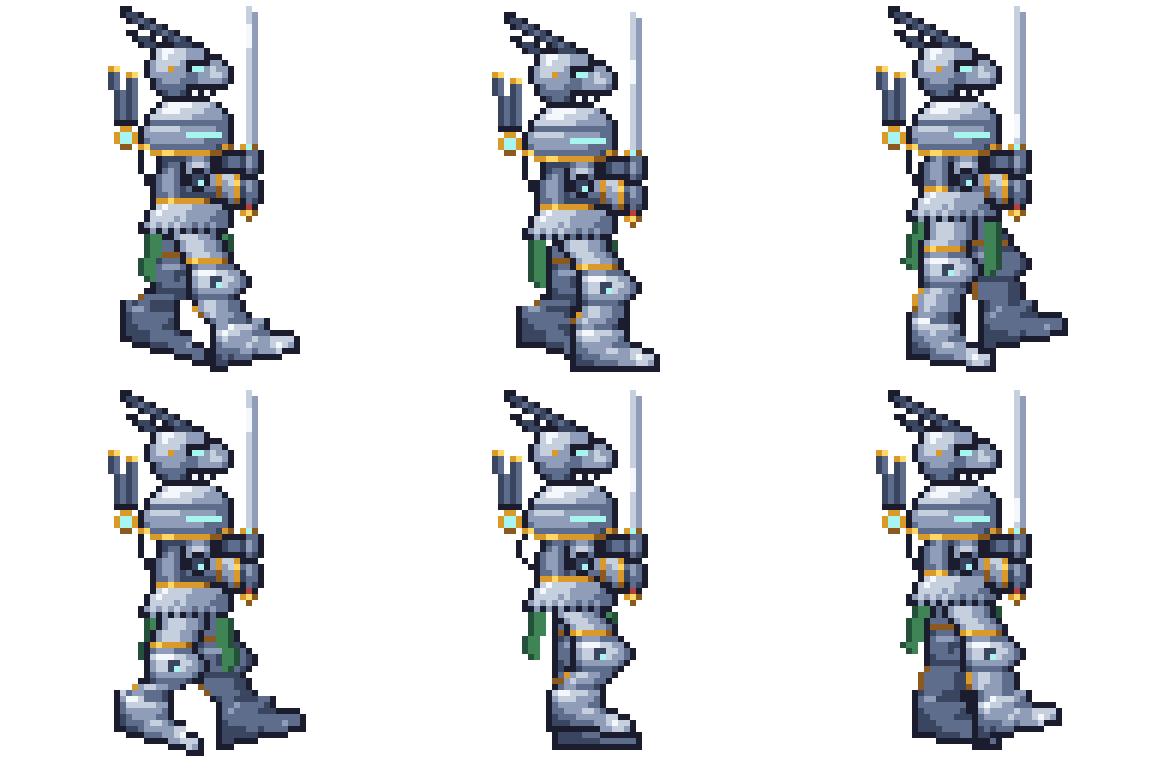
The knight walks, eight drawings
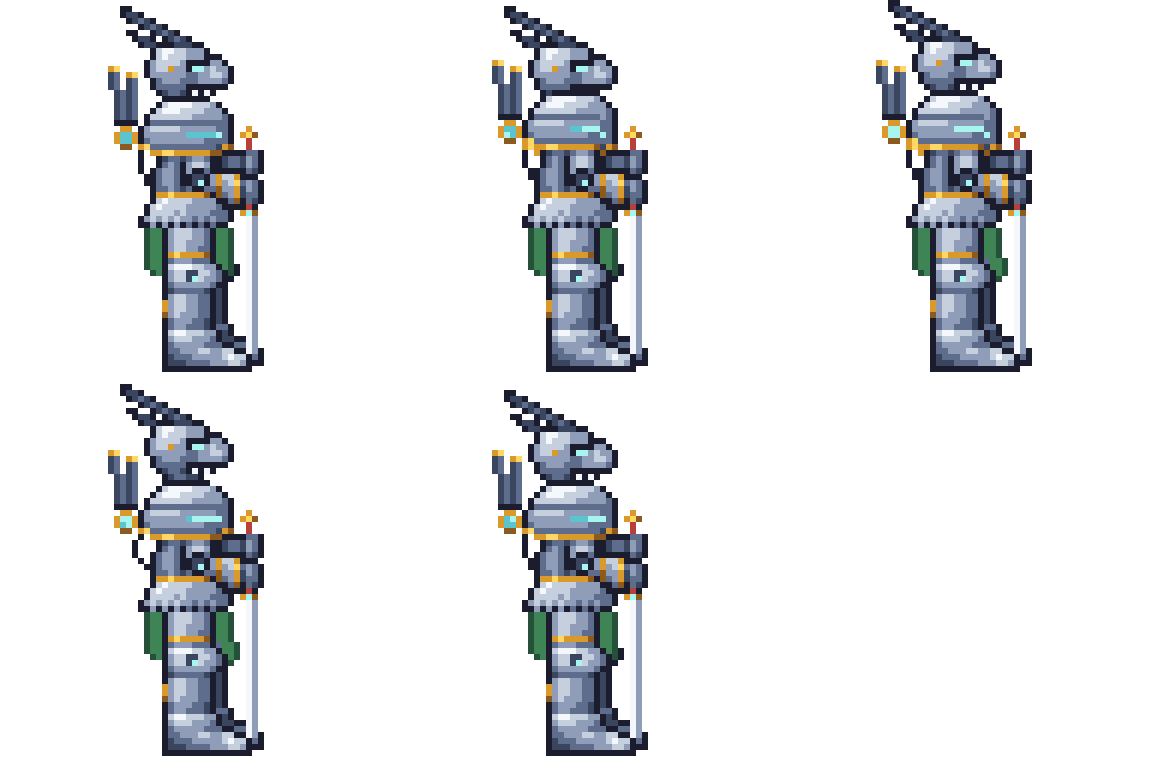
The knight waits, five drawings held

The sprout walks, four drawings

The sprout waits, two drawings held
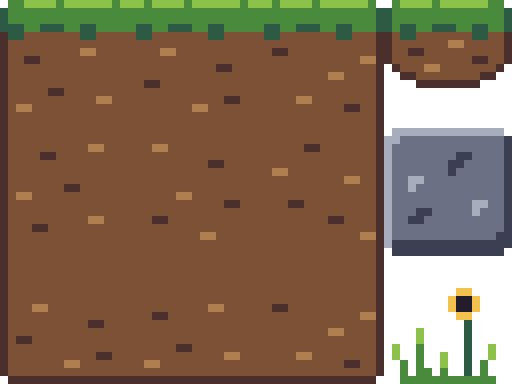
Twelve tiles of 16 pixels, cut from one drawing
Pixel art on a real grid
A pixel layer holds whole pixels in the colours of a palette, sharp at every zoom. Change a palette colour and every pixel drawn with it follows, keep a second set of colours for the other team, and have klad mark stray pixels, doubled corners and banding while you draw. Sprites export as sharp pictures, sheets and GIFs, and a drawing cut into tiles lands in Godot as a tile set.
$ klad export sprout.klad --gif --scale 8
Made for games
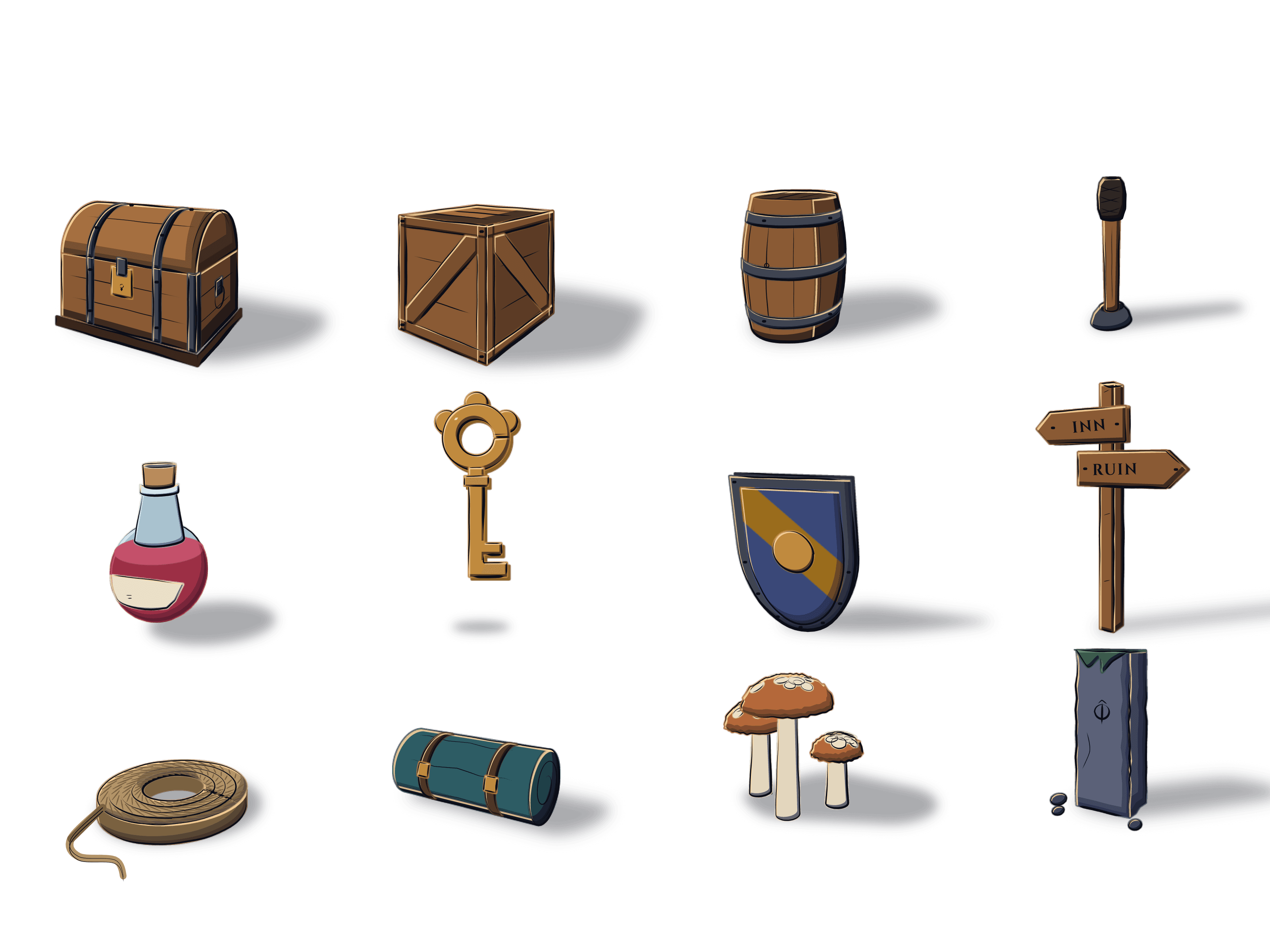
A kit of props with a second state each, a whole night scene, a character throwing a side kick. Pick one and watch an agent paint it: each is a real klad drawing, replayed from its own strokes with the command behind every layer.
Straight into Godot
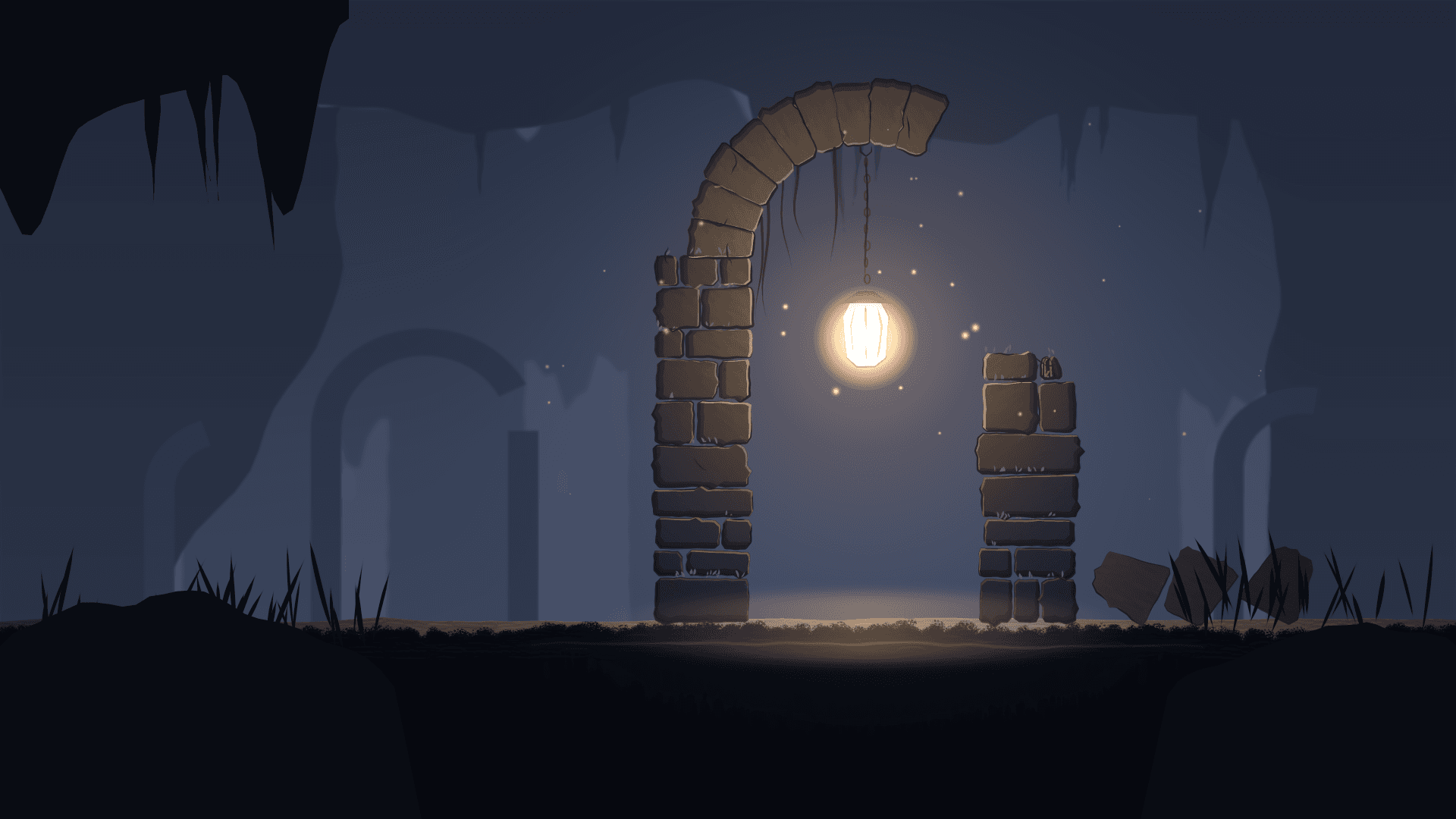
Props, characters and backgrounds like this ruin, lit by one lantern. Animate them frame by frame with onion skins or rig them with bones, and they land in Godot as sprite frames, rigs and scenes with each clip's timing.
$ klad export creature.klad --godot ../game/art

Walk, on twos 
Idle, on threes 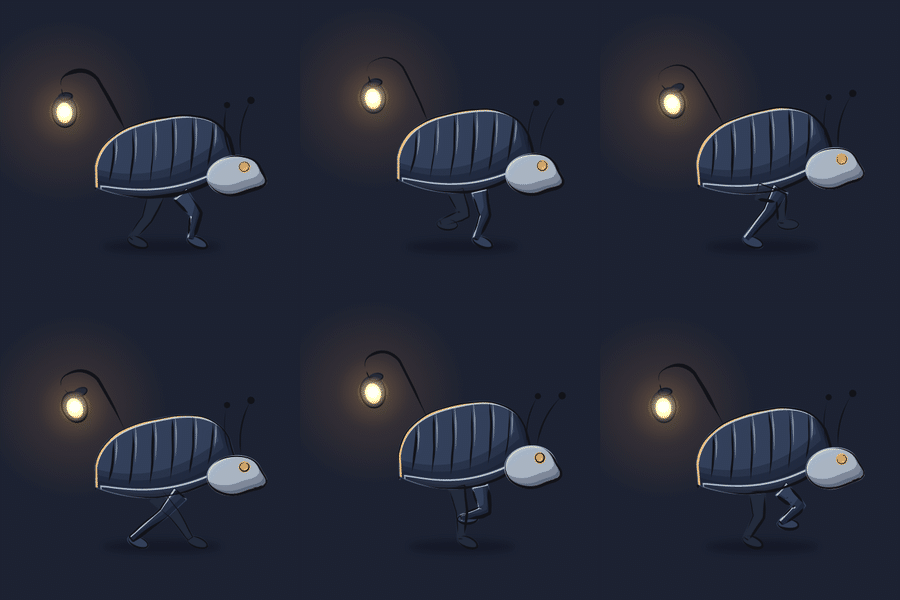
Run, 12 fps 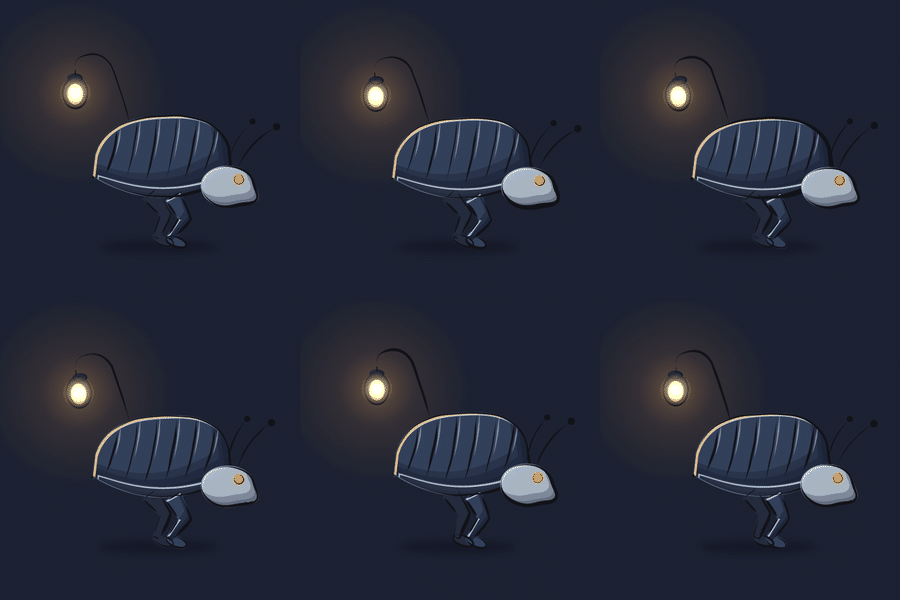
Idle, 12 fps
For developers: the drawing is data
Everything you can do in the editor has a klad command too, so a script or an agent works on the same drawing you have open. It reads strokes as JSON, changes any of them by its address and applies batches of edits as JSON ops. The file format is documented down to the byte under the MIT licence, so app and engine developers can read and write klad drawings in their own tools, with or without klad.
Paint
B and a pen with pressure, 23 brushes, a brush editor
klad stroke art.klad l4 --brush oil --path 'M100 400 C 300 200 500 600 700 400'
Change a stroke later
S to pick it, then recolour, thinner, thicker or move; A bends its path
klad set art.klad c4:s12 size=3.5 color=#3355aa
Read what is there
Point at it with S
klad strokes art.klad l4 --json
Flat colour
G, filling against the lines layer
klad fill art.klad l2 --at 820,640 --ref lines --gap 4 --color skin
Fill again after the lines change
Refill this drawing
klad refill art.klad l2
Point at something
N pins a note, S selects
klad notes art.klad, klad selection art.klad
Draw the next frame
shift K, with onion skin on
klad cel art.klad new l3 --frame 4
In-betweens
The in-between window
klad inbetween art.klad --layers lines,colour --from 0 --to 6
Pose with bones
J: draw, weights, pose, IK limbs
klad bone, klad weights, klad pose, klad ik
Export
cmd E, or export to Godot from a clip
klad export art.klad --godot ../game/art
Undo
cmd Z, or the History pane
klad undo art.klad
Your drawings stay yours
A drawing is a folder of plain files on your computer, so it diffs in git: an edit changes only the files of what it edits, a commit shows which layers changed, and edits to different layers merge. Nothing you draw leaves your computer through klad: klad only looks for a new version once a day, and you can turn that off.
Read the file formatGet klad
klad is free to build from source today, for yourself and for companies under 500,000 euros a year, much like Aseprite. Rather install it with a double click? Join the list for the builds.